Updates to the BHN portal : Extended access via QR code
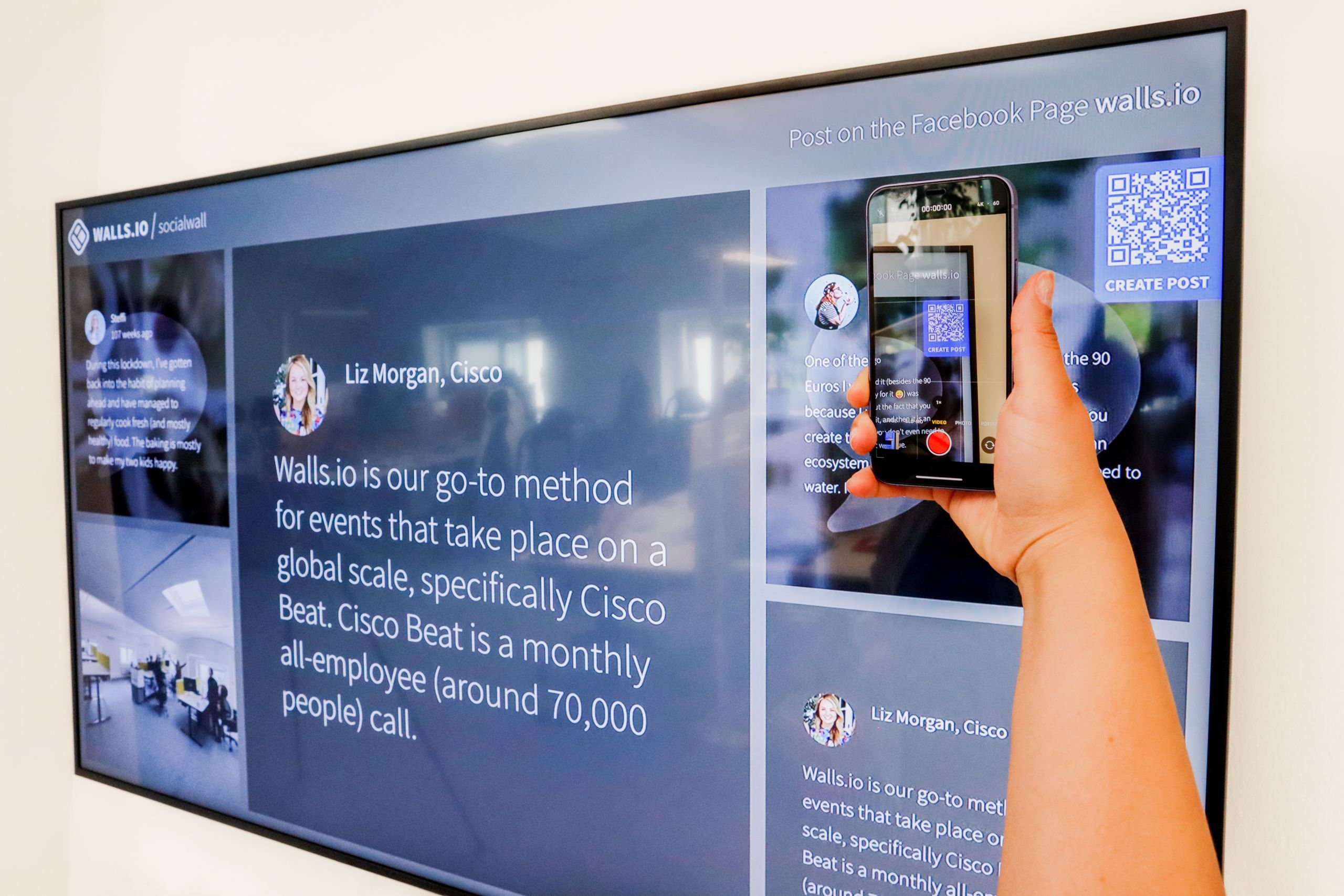
It is now possible to create extended access via QR code on the BHN and RSW portals.
- Log in to the professional portal.
- Open your patient’s record.
- Click on the “Care team” tab.
- Click on the “Extended care” button.
- The patient scans the QR code and confirms the action by authenticating.